 Filipino
 English
 Pусский
 Français
 Español
 Portugues
 Deutsch
 lingua italiana
 العربية
 Melayu
 Монгол хэл
 dansk
dansk Bahasa indonesia
 日本語
日本語 한국어
한국어 Türk dili
 Tiếng Việt
 svenska
 Nederlands
 Norsk språk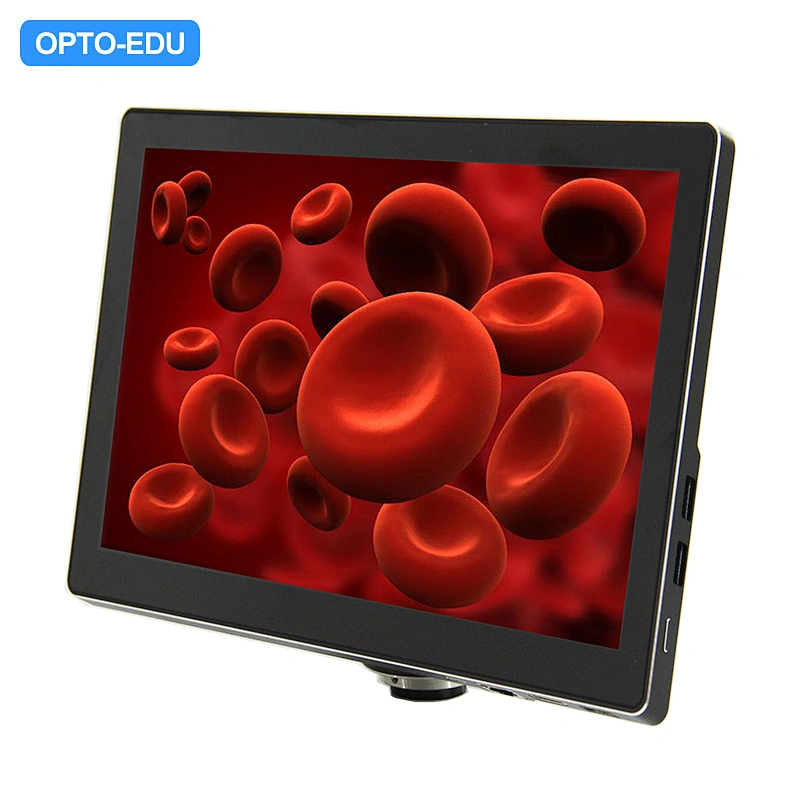
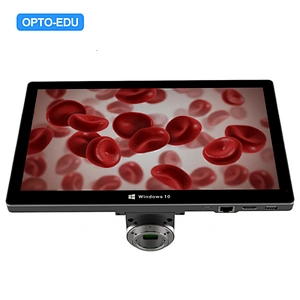
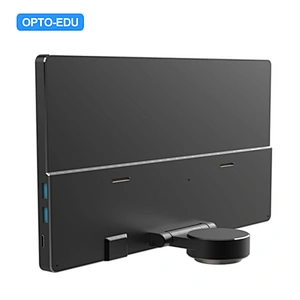
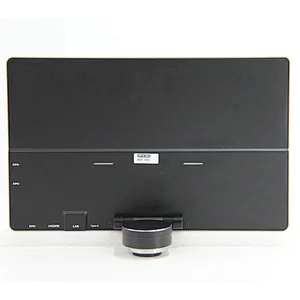

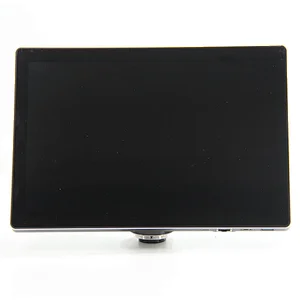
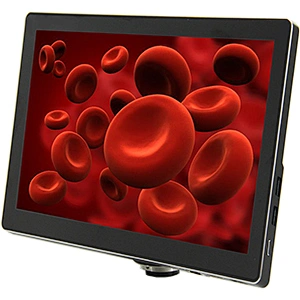
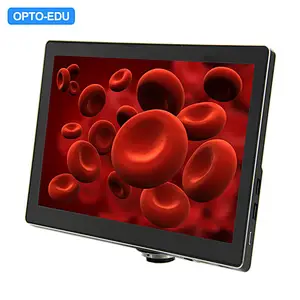
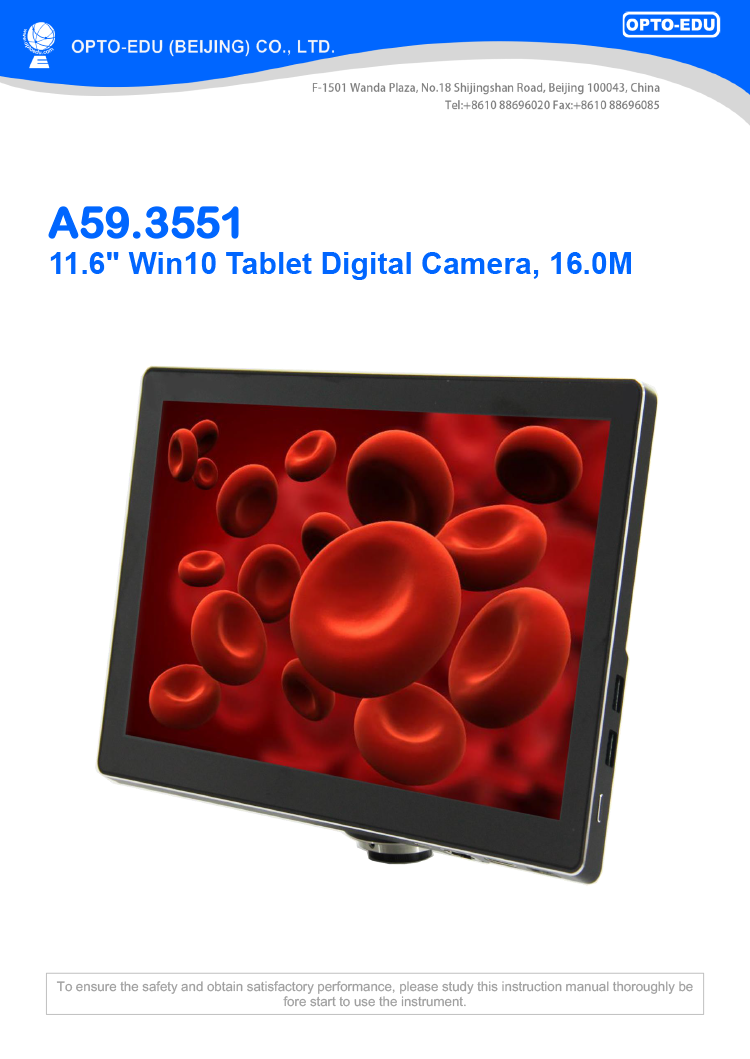
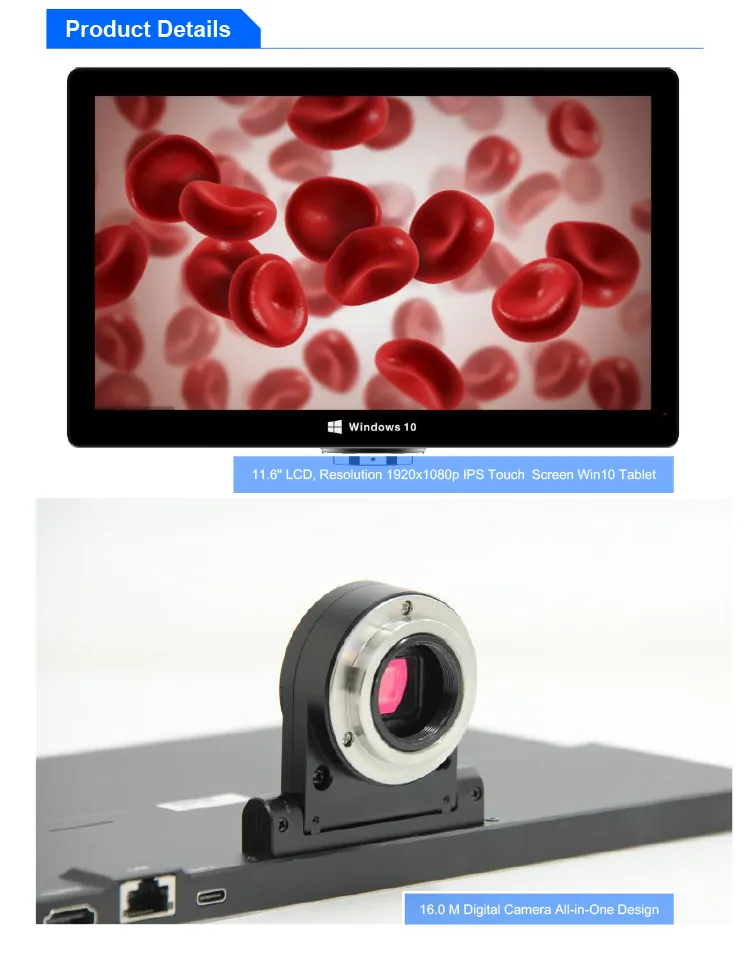
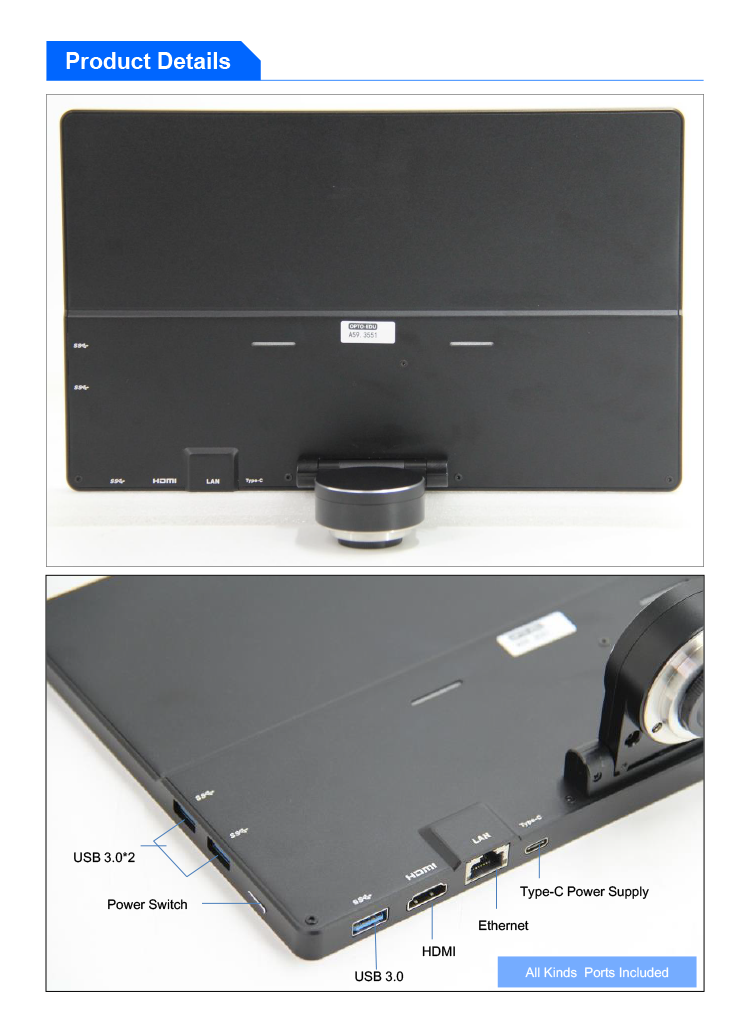
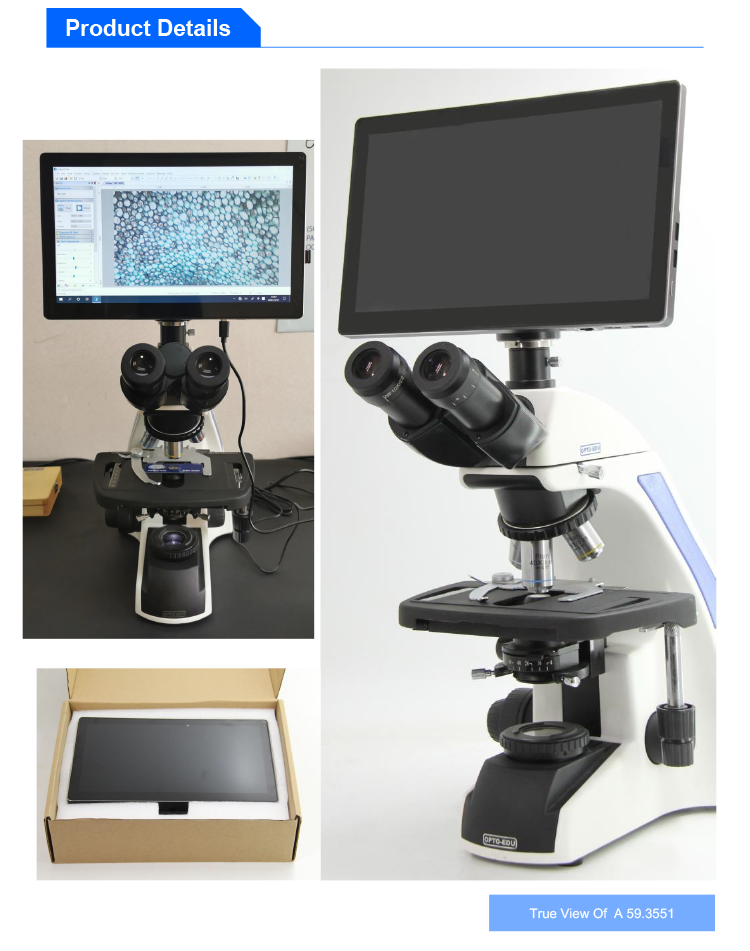
| Mga bagay | A59.3551 11.6"Win10 Tablet Digital Camera, 16.0M |
| Sensor | 1/2.3"Sony CMOS Sensor |
| Resolusyon | 16M CMOS |
| LCD screen | 11.6"LCD, Resolution 1920x1080p IPS Screen |
| CPU | Inter J4105 |
| Sistema | Win10 64Bits |
| WIFI | 2.4G/5G WIFI, 802.11a/b/g/n/ac |
| Bluetooth | Bluetooth 4.2 |
| Output | USB3.0, HDMI, WIFI, Ethernet, Type-C Power Supply |
| Laki ng Pixel | 1.335x1.335um |
| Power Supply | DC 12V/2A Power Adapter, Input 100-240V AC |
| Function | Larawan 16M, Video 1080p Buong HD |
| Isaayos: Liwanag, Contrast, Saturation, White Balance, Exposure, Flicker Suppression, Sharpness, Gamma, CB/Cr Gain | |
| Interface ng UI: Kontrol ng Mouse, Touch Screen | |
| Imbakan ng Larawan, Video, Preview, Format ng SD Card | |
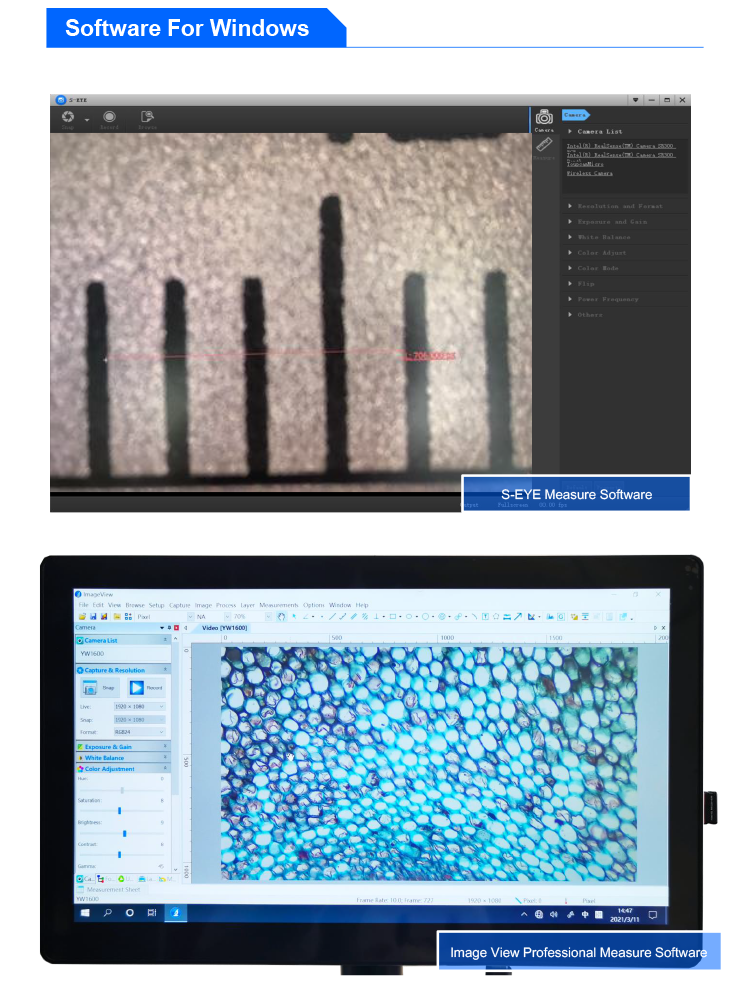
| Pagsukat ng Windows | S-EYE Measure Software: Haba:Haba ng Tuwid na Linya, Haba ng Sirang Linya, Haba ng Kurba, Distansya ng Parallel na Linya, Distansya ng Point Line, Haba ng Linya Geometry:Radius Circle, Two-point Circle, Three-point Circle, Concentric Circle, Radius Circle, Two-point Circle, Three-point Circle Geometric na Lugar:Polygon, Square Puna:Point Coordinates, Crosshairs, Coordinate System, Text NotesSoftware ng Propesyonal na Pagsukat ng Image View |
| Sukat / Timbang | Laki ng Produkto 285x177x12.5mm, Net Timbang 0.9kg |
| Karaniwang Package | LCD Camera, DC12V Power Adapter |
| Mabilis na Manwal | 1. Una, ikonekta ang produkto sa Type-C DC-12V power supply 2. Pagkatapos ikonekta ang power supply, pindutin ang power on button, at ang asul na ilaw ng produkto ay palaging naka-on. 3. I-double click ang S-EYE Measure Software sa desktop ng Window 10 4. I-click ang"Open Video Source"sa S-EYE software, at piliin ang camera YW1600 6. Sukatin at ayusin ayon sa kailangan mo. |


 Huang Xin