 English
 Pусский
 Français
 Español
 Portugues
 Deutsch
 lingua italiana
 العربية
 Melayu
 Filipino
 Монгол хэл
 dansk
dansk Bahasa indonesia
 日本語
日本語 한국어
한국어 Türk dili
 Tiếng Việt
 svenska
 Nederlands
 Norsk språk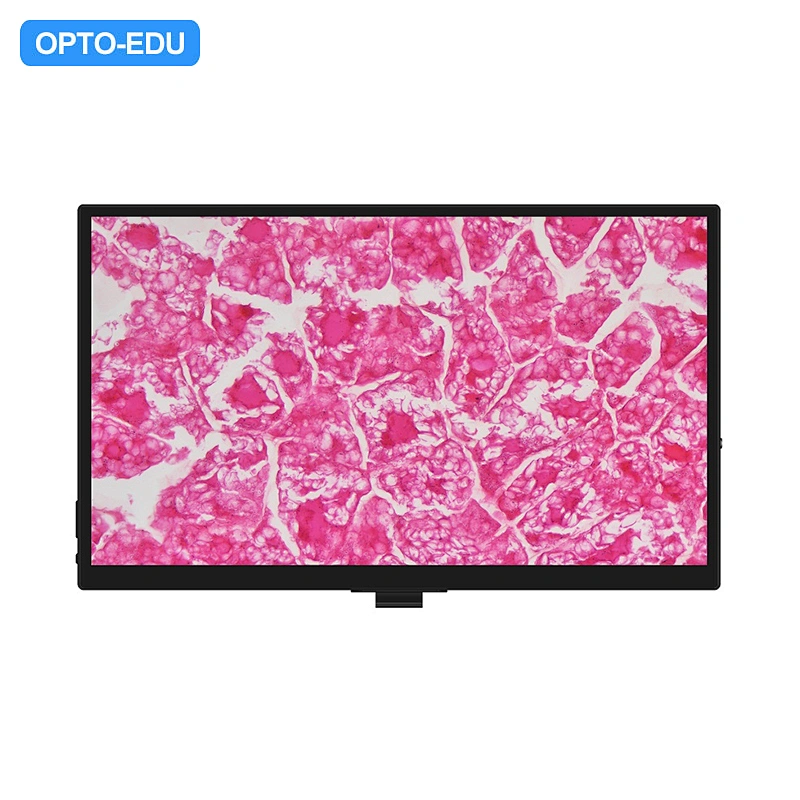
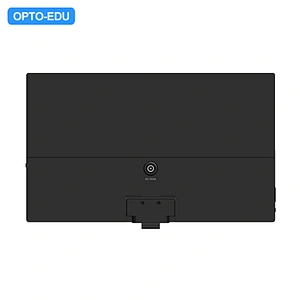

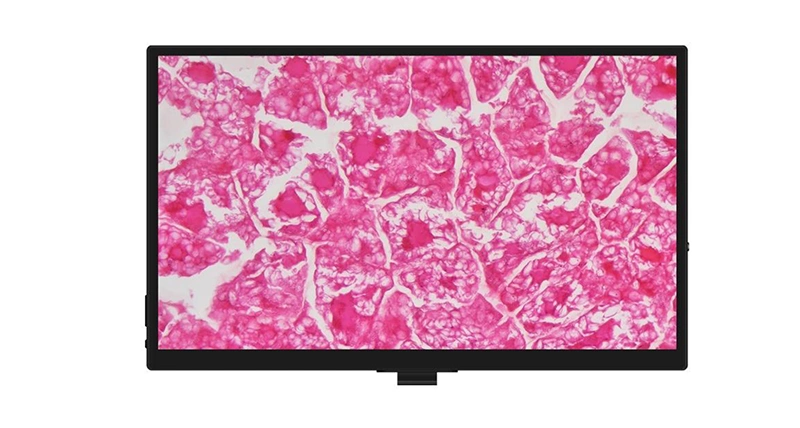
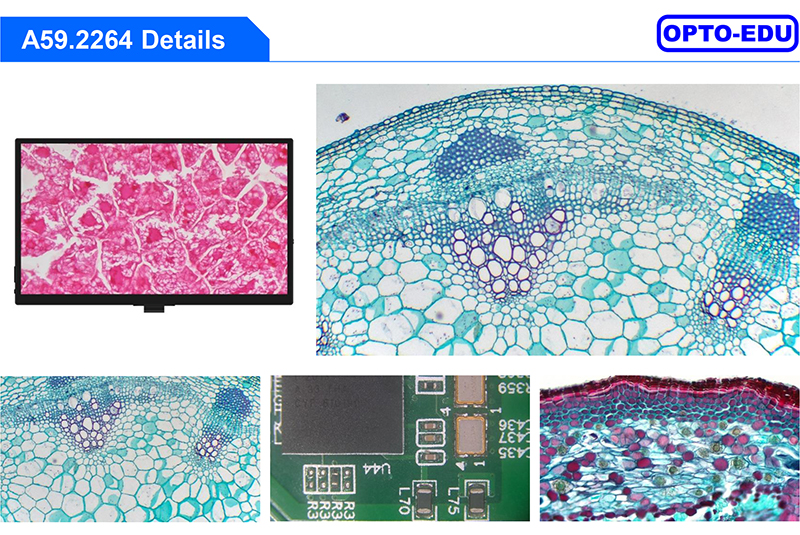
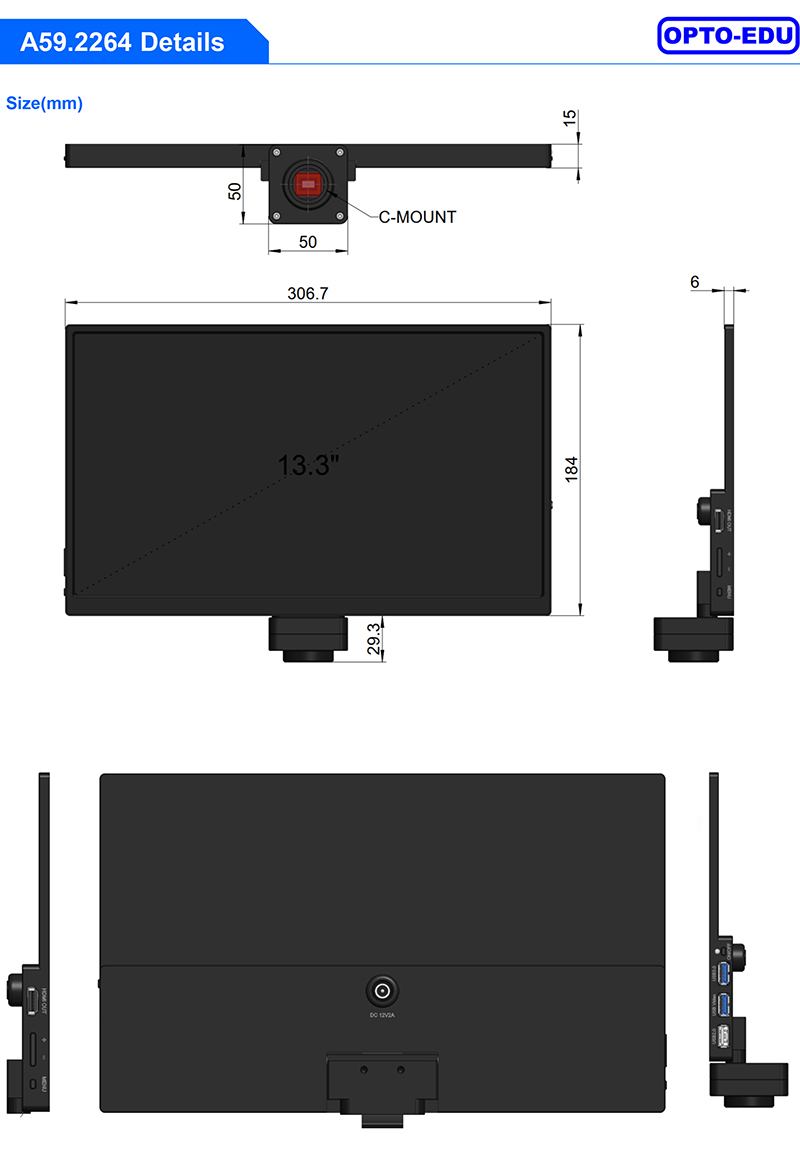
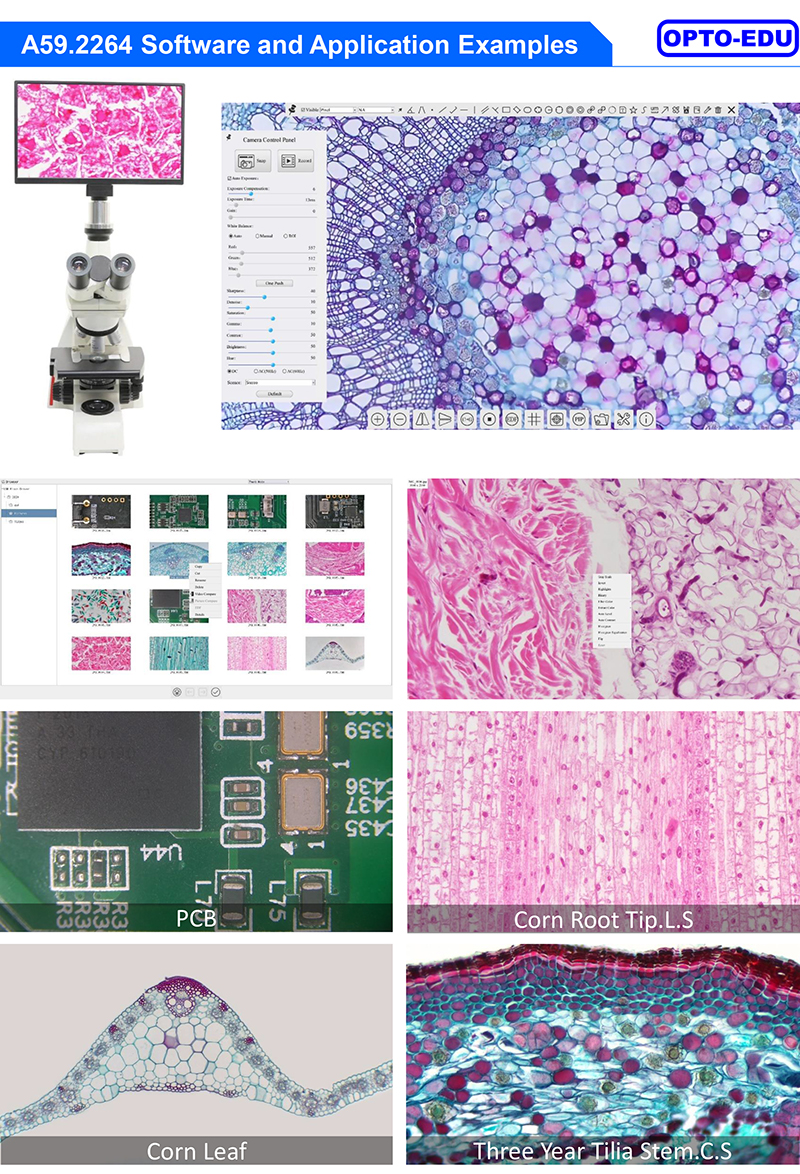
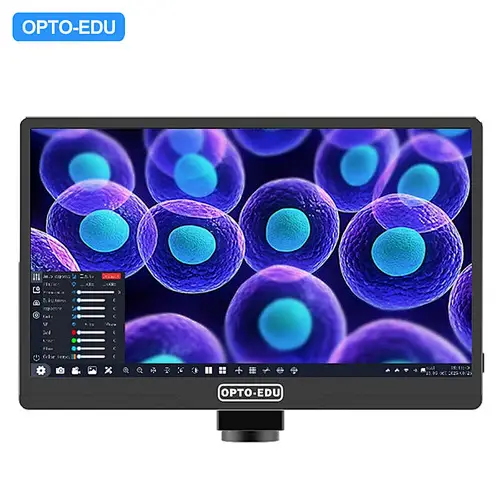
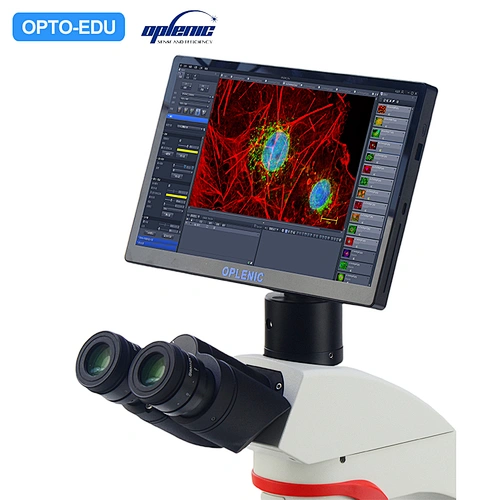
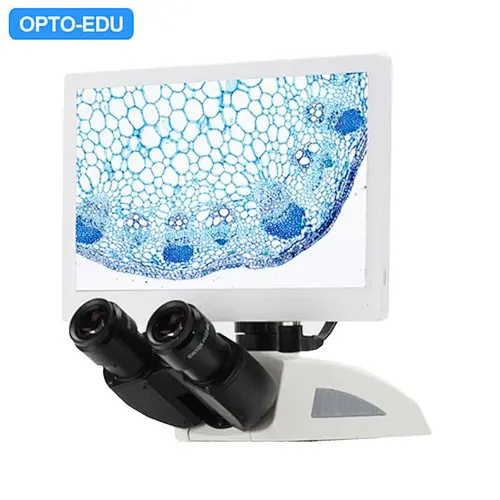
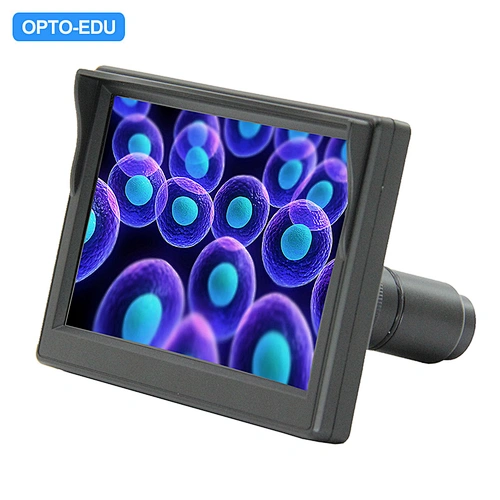
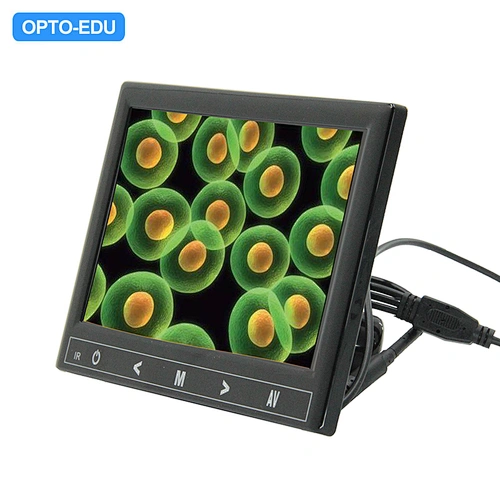
Series All-in-One Camera Configurations The A59.2264 is a multifunctional all-in-one Camera that integrates a 13.3-inch display screen and a 4K image acquisition and processing system for capturing digital images of stereo microscopes, biological microscopes, or online interactive teaching. -- The Camera and display screen are integrated together, eliminating wiring and facilitating installation -- Sony STARVIS 2 back-illuminated CMOS sensor -- The average delay of display screen output is 40ms -- Support HDMI2.0 interface connection to external displays for synchronous output, 4K/1080P auto switching according to monitor resolution -- Support USB 3.0 interface for synchronous output of real-time video -- Provide real-time video WDR output function -- Provide real-time video EDF function -- USB flash drive for captured image and video storage, support local preview and playback -- Excellent ISP with local tone mapping and 3D denoising -- Provide two sets of default ISP parameters for biological microscope and stereo microscope -- Embedded XCamView for the control of the Camera and image processing, supporting automatic edge finding and measurement functions -- New browsing function, providing rich file operation functions, image to image comparison, image to real-time video comparison, multi-image EDF and other functions -- ToupView/ToupLite software for PC -- iOS/Android applications for smart phones or tablets |
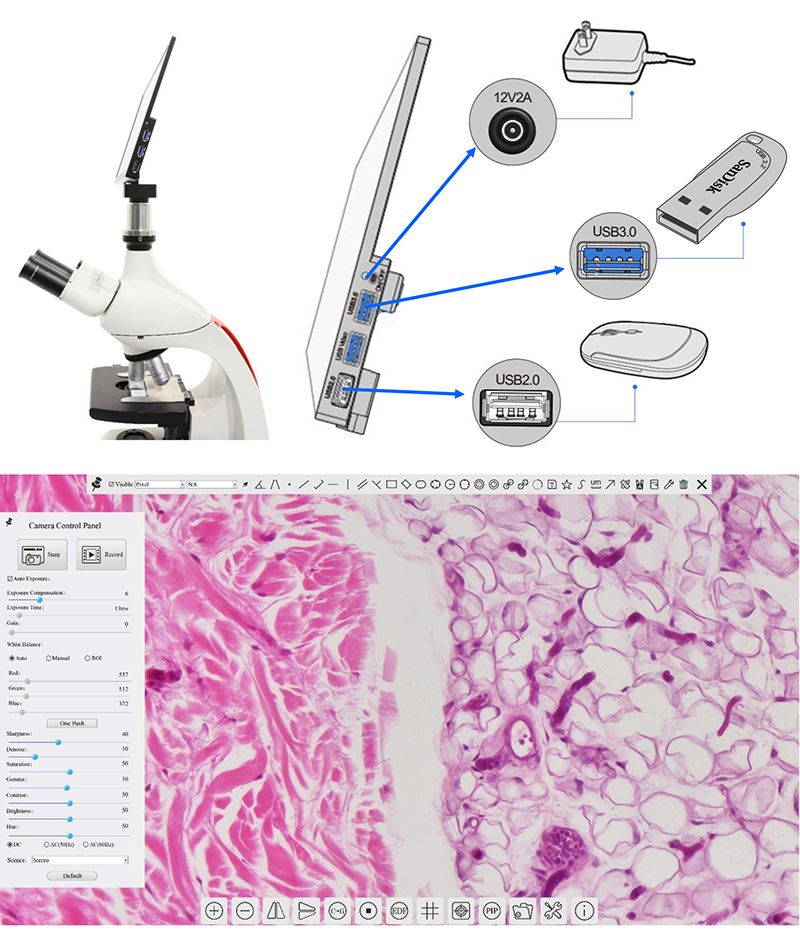
Series All-in-One Camera Configurations You can use the A59.2264 series all-in-one camera in 4 different ways. Each application requires different hardware environment. 1.Camera working standalone with built-in software |
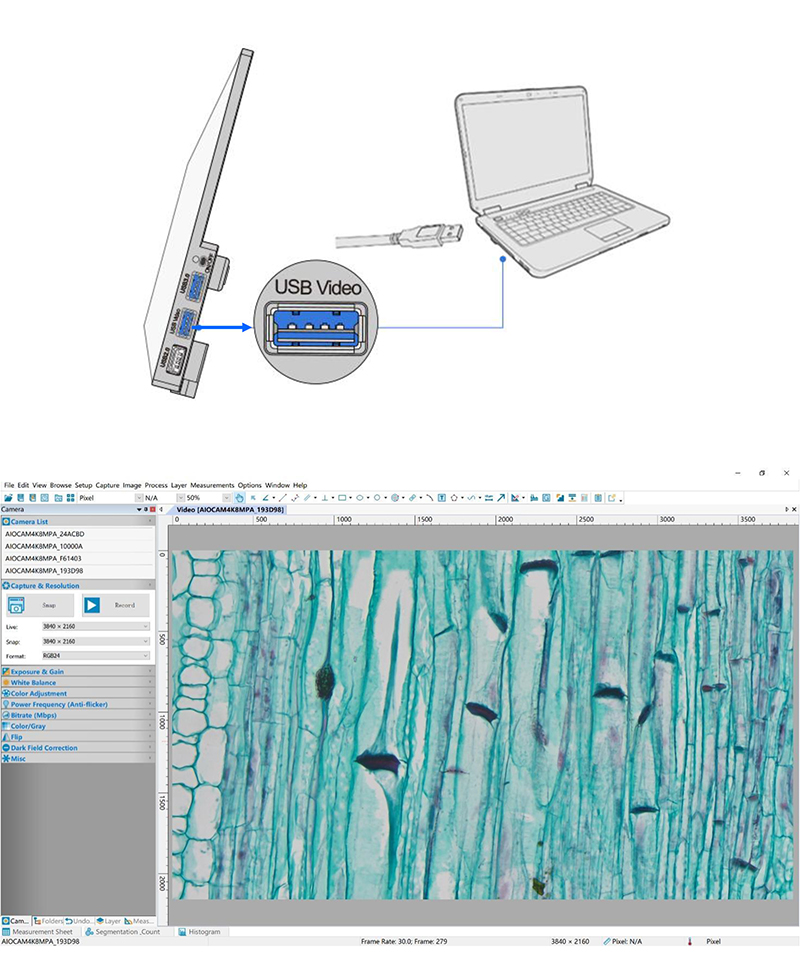
2. Connecting camera to computers with USB3.0 port Install Image View on your PC or install View App on the mobile device; Run the software Image View, clicking the camera name in the Camera List group to start the live video |
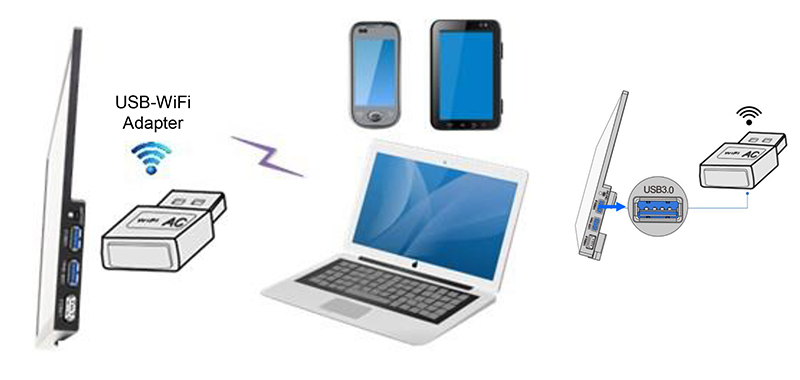
3. Camera working in WiFi mode (AP mode) Plug the USB WiFi adapter into the camera’s USB3.0 port. Install Image View on your PC or install View App on the mobile device; Run the software View/ Lite,A59.2264 series all-in-one cameras will be automatically recognized. The view live image. |
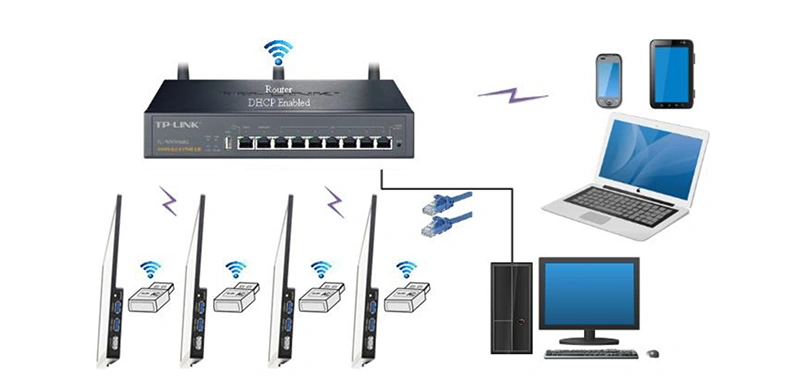
4. Connecting multi-cameras to the router through the WiFi STA mode for the network application Multi A59.2264 series all-in-one cameras are connected to router through the WiFi STA mode, and the user can control the HDMI camera on the computer or mobile device through WiFi. |
| A59.2264 13.3"LCD Digital Camera, HDMI+Mouse Measure, USB3.0, WIFI, 8.0M 4K Specification | |
| Interface or Button | Function Description |
| USB 2.0 | Connect USB mouse for easy operation with embedded XCamView software |
| USB Video | Connect PC or other host device to realize video image transmission |
| USB3.0 | Connect USB flash drive to save pictures and videos |
| Connect 5G WiFi module to transfer video wirelessly in real time | |
| Connect USB microphone for audio and video recording | |
| ON/OFF | Power switch (Short press to turn on, long press to turn off) |
| HDMI OUT | Comply with HDMI2.0 standard. Used to extend 4K/1080P format video output and supporting automatic switch between 4K and 1080P format according to the connected monitors |
| LED | LED status indicator |
| +/- | Display brightness adjustment button |
| MENU | Display menu key |
| DC 12V2A | Power adapter connection (12V/2A) |
| Video Output Interface | Function Description |
| HDMI Interface | Synchronize video output through HDMI OUT interface, comply with HDMI2.0 standard; 60fps@4K Or 60fps@1080P |
| WiFi Interface | Connecting 5G WiFi adapter (USB3.0 slot) in AP/STA mode |
| USB Video Interface | Connecting USB Video port of PC for video transfer |
| H264/MJPEG format video | |
| Other Function | Function Description |
| Video Saving | Video format:8M (3840*2160) H264/H265 encoded MP4 file |
| Video saving frame rate: 60fps in Low Delay mode; 30fps in WDR mode | |
| Image Capture | 8M (3840*2160) JPEG/TIFF image in USB flash drive |
| Measurement Saving | Measurement information saved in different layer with image content |
| Measurement information is saved together with image content in burn in mode | |
| ISP | Exposure(Automatic / Manual Exposure) / Gain, White Balance(Manual / Automatic / ROI Mode),Sharpening, 3D Denoise, Saturation Adjustment, Contrast Adjustment, Brightness Adjustment, Gamma Adjustment, Hue Adjustment, Color to Gray, 50HZ/60HZ Anti-flicker Function |
| Image Operation | Zoom In/Zoom Out (Up to 10X), Mirror/Flip, Freeze, Video EDF, Cross Line, Overlay, PIP, Browser (including Picture Browsing, Video Playback, Video Compare, Picture Compare, Picture EDF, Image Processing), Measurement Function |
| Embedded RTC(Optional) | To support accurate time on board |
| Restore Factory Settings | Restore camera parameters to its factory status |
| Multiple Language Support | English / Simplified Chinese / Traditional Chinese / Korean / Thailand / French / German / Spanish / Japanese / Italian / Russian / Dutch / Portuguese |
| Software Environment under WiFi/USB Video Output | |
| White Balance | Auto White Balance |
| Color Technique | Ultra-Fine Color Engine |
| Capture/Control SDK | Windows/Linux/macOS/Android Multiple Platform SDK (Native C/C++, C#/VB.NET, Python, Java, DirectShow, Twain, etc) |
| Recording System | Still Picture or Movie |
| Operating System | Microsoft® Windows® 8 / 8.1 / 10 / 11(32 & 64 bit) |
| OSx(Mac OS X) | |
| Linux | |
| PC Requirements | CPU: Equal to Intel Core2 2.8GHz or Higher |
| Memory: 4GB or More | |
| Ethernet Port: RJ45 Ethernet Port | |
| Display:19” or Larger | |
| CD-ROM | |
| Operating Environment | |
| Operating Temperature (in Centidegree) | -10°~ 50° |
| Storage Temperature (in Centidegree ) | -20°~ 60° |
| Operating Humidity | 30~80%RH |
| Storage Humidity | 10~60%RH |
| Power Supply | DC 12V/2A Adapter |
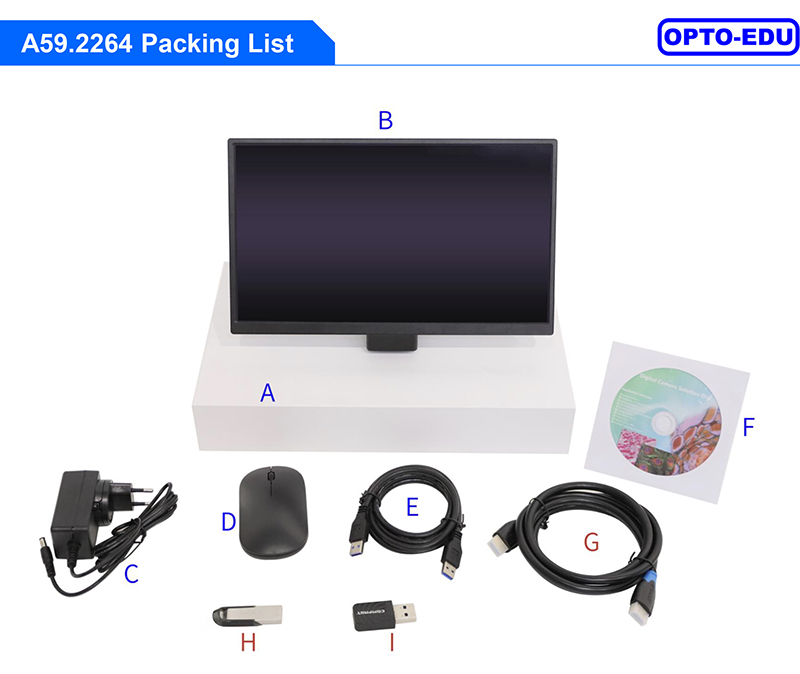
| Standard Packing List | |
| A | Gift box: L:35.6cm W:24.9cm H:7.5cm (1pcs, 1.68Kg/ box) |
| B | AIOCAM4K Series All-in-One Camera |
| C | Power Adapter: Input: AC 100~240V 50Hz/60Hz, Output: DC 12V 2A |
| American standard: Model: POWER-12V2A(MX24Z1-1202000) + American standard plug | |
| European standard:Model: POWER-12V2A(MX24Z1-1202000) + European standard plug | |
| D | USB wireless mouse |
| E | USB3.0 A male to A male gold-plated connectors cable /2.0m |
| F | CD (Driver & utilities software, Ø12cm) |
| Optional Accessory | |
| G | HDMI Cable |
| H | USB flash drive |
| I | USB WiFi adapter |




 Huang Xin